
CAIRNS 07 4053 6400 | info@cardzilla.com.au
TOWNSVILLE 07 4775 1399 | townsville@cardzilla.com.au
TRINITY PRINTERS 07 4031 5739 | sales@trinityprinters.com.au
AI in Design & Print: Not All It's Cracked Up to Be
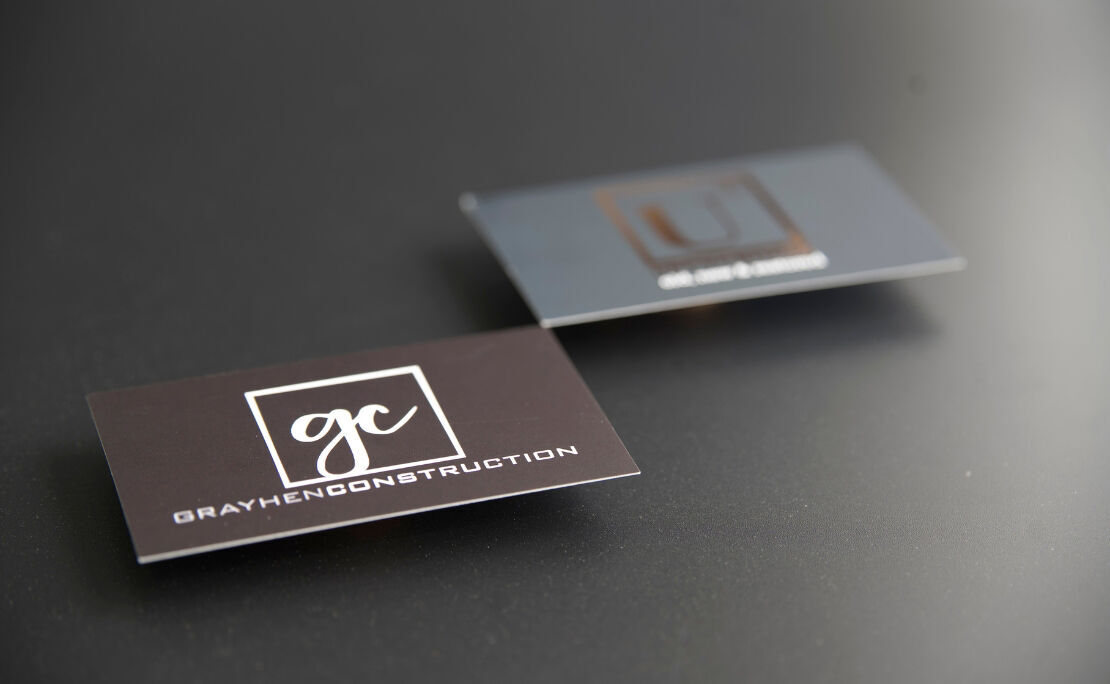
We’ve seen a rise in AI-generated artworks, logos, and business collateral lately, and we’re sure you have too. Generative AI tools can whip up a logo or business card in seconds, and we understand the appeal. For a small business watching every dollar, that feels like a smart shortcut. But here at Cardzilla, our designers see what happens when that artwork lands on the print bench, and the story isn't always a happy one.
There are some pitfalls to using AI-generated artwork for print: these files often cause headaches and can cost you more down the track. Our goal is simple: help you get a polished, professional result that does your business proud.
The catch with AI-generated artwork
AI can be great for sparking ideas. It can show you a colour palette, a layout direction, or a logo concept in moments. The trouble starts when that file becomes your final artwork rather than a starting point.
Printing is a very precise process, requiring sharp resolution, clean editable files, and designs that scale well. AI tools, for the most part, aren’t built to provide that.
These are some of the most common problems we run into with AI-generated artwork:
Low resolution won't print cleanly
One big issue we see is resolution. AI images often look crisp on your screen, but screens and print are two very different worlds!
Professional print needs high-resolution files, usually 300 DPI or more. Many AI-generated images come in well below that. When we send a low-res file to the printer, the result is blurry edges, fuzzy text, and pixelated logos. Not the look you want on your first impression!
Here's the catch: may not be able to tell the difference until it's printed. By then, the damage is done.
Edits and updates cost more than you'd think
This one surprises a lot of customers. When AI generates a finished design, it usually delivers a flat image, not a layered, editable file.
Say you order a stack of business cards designed entirely by AI. A month later, you hire a new team member or change your phone number. With a proper design file, that's a quick update. With an AI image, we often can't touch the existing text at all.
To fix this often means recreating the whole card from scratch. The savings you thought you made at the start can disappear once you have to pay for a redesign!
Logos that don't scale up
A logo has one big job: it needs to look great everywhere, from a tiny business card to a giant shopfront sign.
AI logos can be fine at small sizes. Trouble appears the moment you scale them up. Because they're usually pixel-based rather than vector, they lose that sharpness when enlarged. It might look neat on a card but then appear soft and rough on signage, vehicle wraps, or banners. That can damage your branding and reduce your business’s image of professionalism.
A professional logo is built as a vector file. That means it stays crisp at any size, whether it's printed on a pen or a billboard.
The legal grey area around ownership
Depending on the AI tool and the company behind it, the artwork it generates may not legally belong to you. This is the pitfall most people never see coming, and it's an important one! Many platforms don't grant full ownership rights to the person who created the image. In some cases, the design isn't eligible for copyright protection at all.
What does that mean in plain terms? Someone could copy your logo, use it as their own, and you may have no legal leg to stand on. For a business building a brand, that's a real risk. You want to own what you've invested in. Take a look at the Australian Government’s IP Australia page on what to consider when using AI to create IP.
AI versus Canva for print
Canva has its quirks, but it does offer a path that works. If you export your design as a PDF and tick the crop and bleed options, we can usually edit it and prepare it properly for print.
AI artwork rarely gives us that option. The files tend to be flat, low-res, and locked down. So while Canva can be tricky, AI is generally the harder of the two to work with when print-ready quality is the goal.
Where AI genuinely shines
We don't want to write AI off completely, because it has a real place in the design process.
AI is fantastic for inspiration and direction. Use it to:
- Explore colour combinations and styles
- Test layout ideas before committing
- Show your designer the look and feel you're after
- Get the creative ball rolling quickly
Think of AI output as a mood board, not a finished product. Bring those ideas to a designer, and you'll get something both beautiful and built for print.
Why a professional designer still wins
Nothing beats working with a professional designer using the right tools. That's not a sales pitch, it's simply what gets the best result on the page!
Our team works with industry-standard software like Adobe Illustrator and InDesign.
These tools create:
- High-resolution, print-ready files
- Fully editable designs you can update later
- Scalable vector logos for any size
- Artwork you actually own and control
The difference shows in the finished product, and it saves you money and stress in the long run.
Let's create something you'll be proud of
AI can help you dream up ideas, but the team at Cardzilla turns those ideas into print-ready work that lasts. If you've got an AI concept you love, send it through as a starting point and we'll take it from there. Check out our print artwork guidelines for more handy tips!
Have a project in mind or a question about your artwork? Get in touch with our team, and let's make sure your brand looks its best, on every card, sign, and surface.